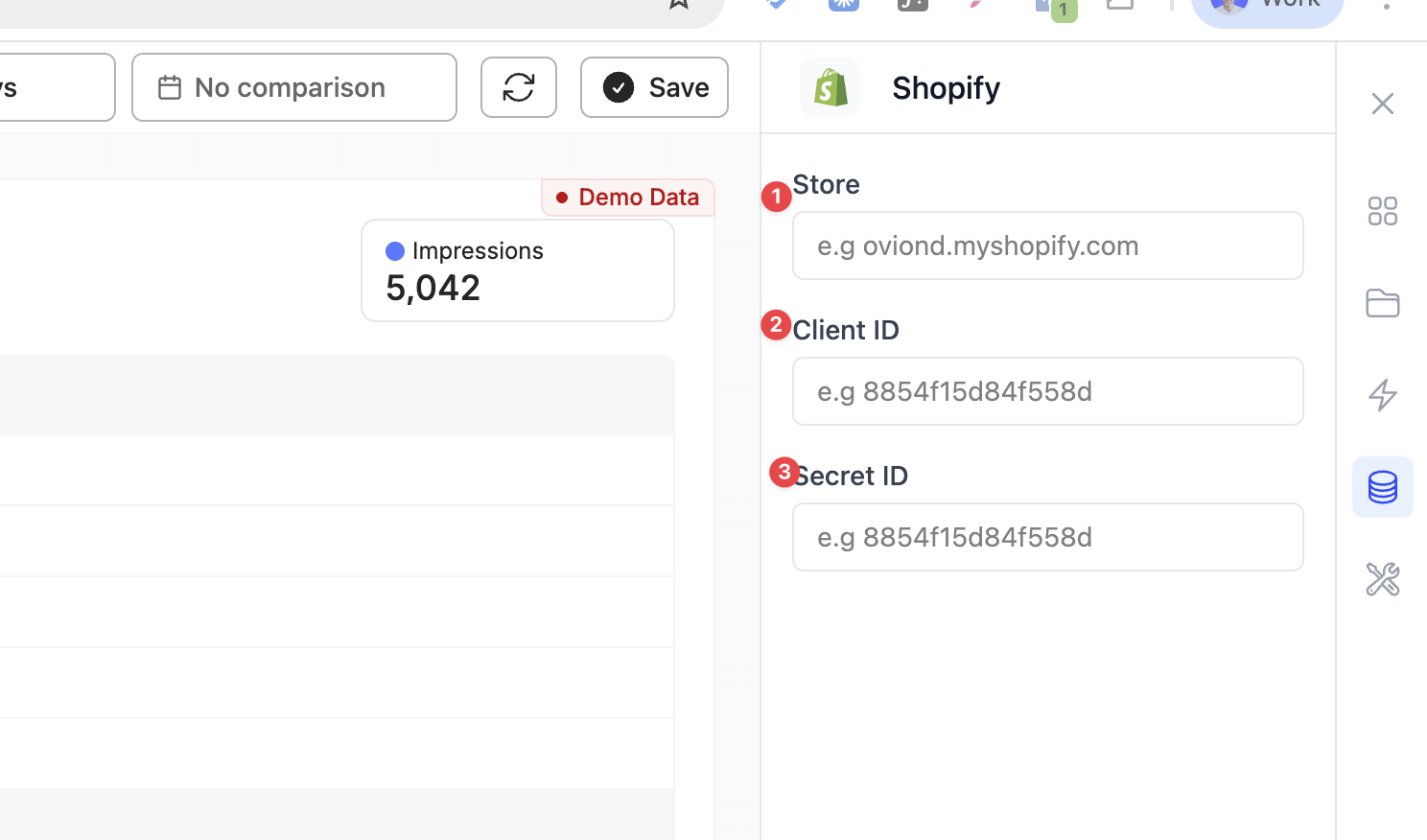
Temporary Setup: Connect Your Shopify Store to Oviond
We're currently waiting on Shopify to approve our new OAuth integration (approximately 2 weeks). In the meantime, please follow these steps to connect your store.
What you’ll need
You must be the Store Owner (or a staff member with permission to manage app development / install apps).
Your store URL (example: your-store.myshopify.com)
A free Shopify Partners account get one here https://www.shopify.com/partners
Go to dev.shopify.com
Log in with your Shopify Partners account on
In the left menu, click Apps
Click Create app
Choose Start from Dev Dashboard
Name it (example: “Oviond Integration”)
Click Create
Go to the Versions tab
Set App URL to:https://shopify.dev/apps/default-app-home
Under Access scopes, select the permissions Oviond needs (copy this exactly: read_customers, read_reports)
Click Release
Important: The app must be Released before it can be installed using the distribution install link.
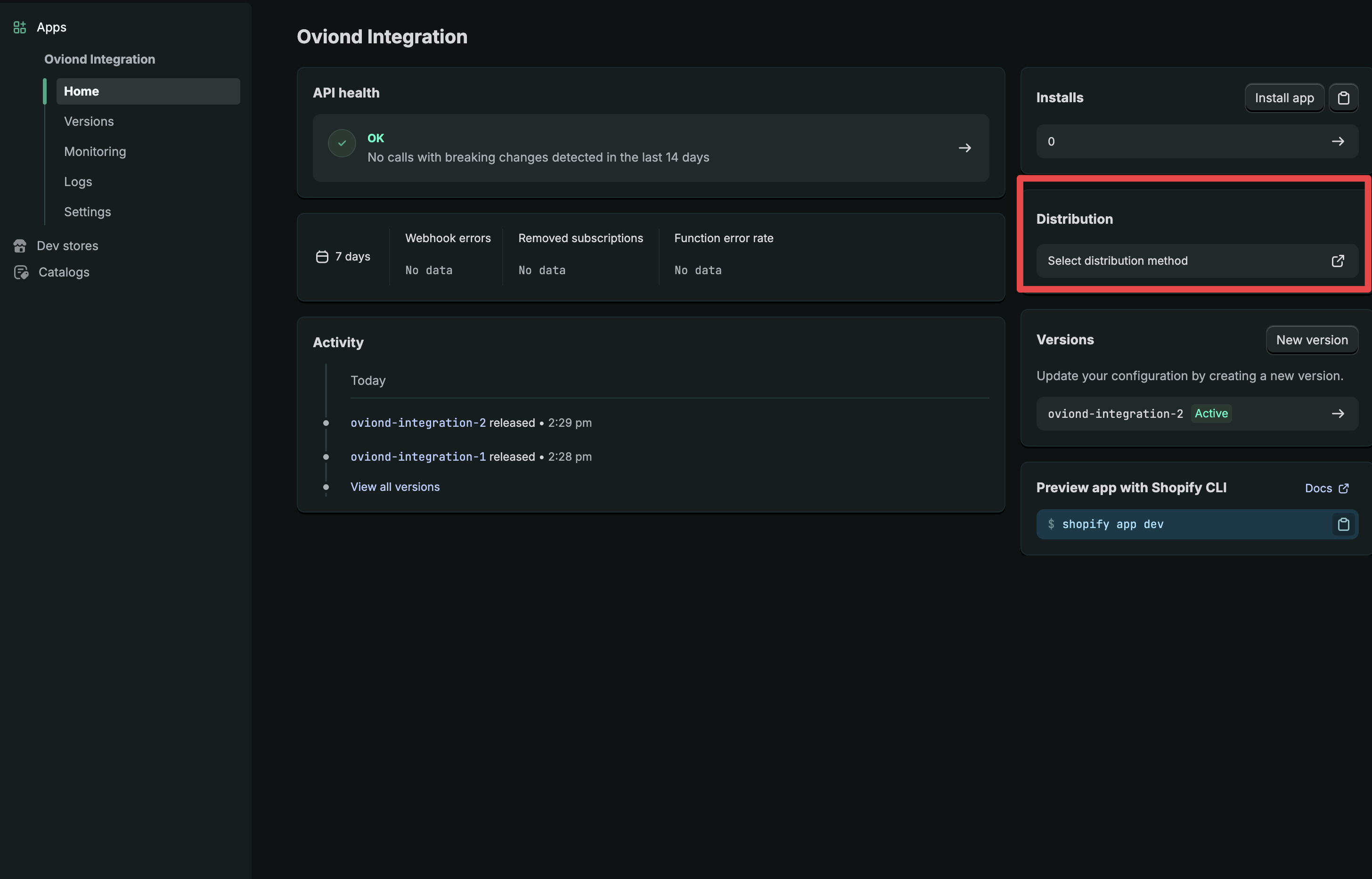
Click on the app and click distribution box on right
Select Custom distribution
Enter your store domain (example: your-store.myshopify.com)
Click Generate link
Copy the install link
Open the install link in your browser
Select your store (if prompted)
Click Install
Approve the requested permissions
Go back to your app in the Dev Dashboard
Open Settings
Copy:
Client ID
Client secret
Inside Oviond, paste:
Store URL (example: your-store.myshopify.com)
Client ID as copied above
Client Secret as copied above