The home page is the first screen you encounter when logging into your Oviond account, serving as a central hub for client management and access to various tools.
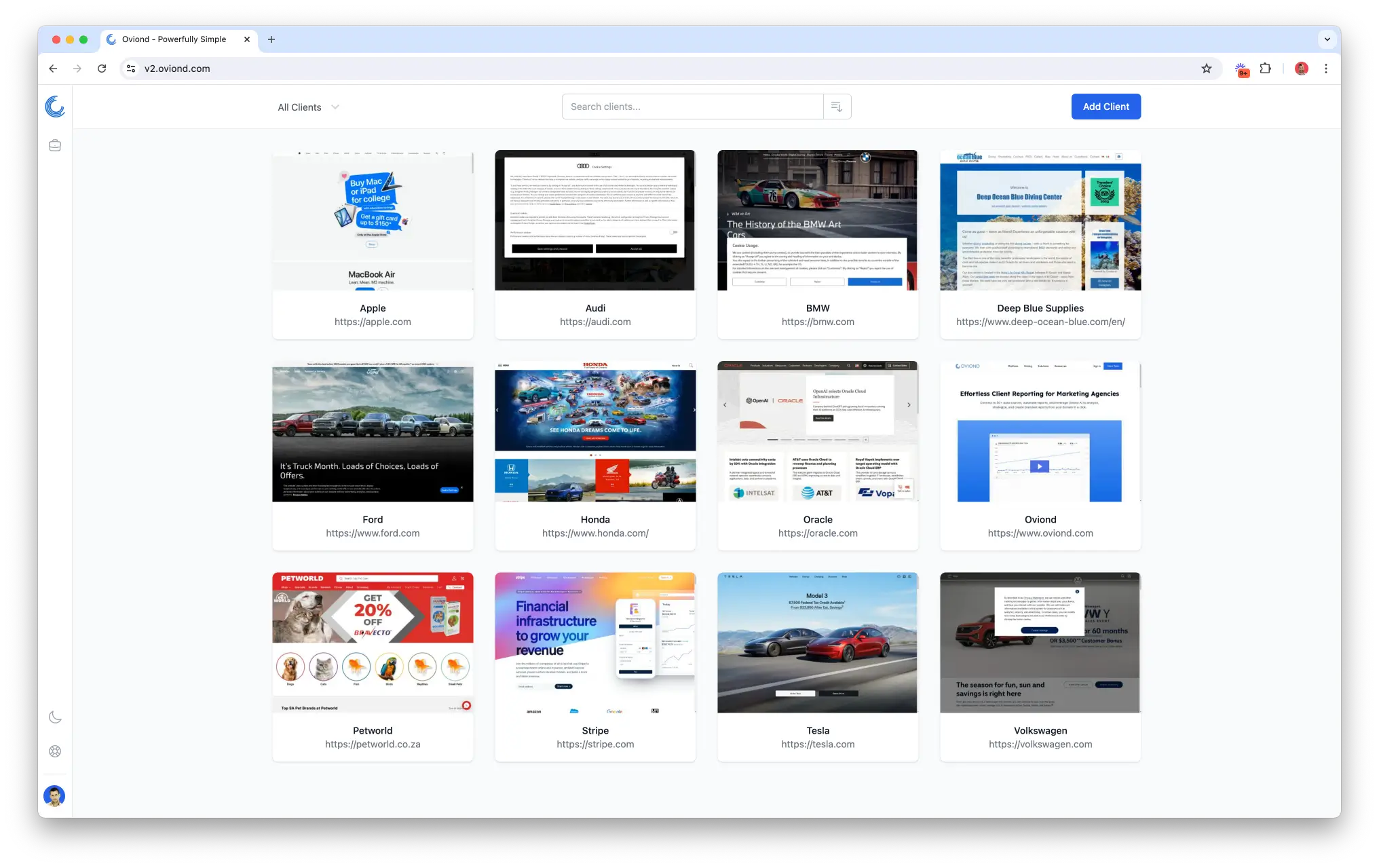
From this page, you can add new clients, search for existing ones, select multiple clients for bulk actions, create and add to a folder, edit a client name and access Oviond’s Agency Tools.
The interface also allows you to switch between dark and light modes and request assistance via the Help & Support button.
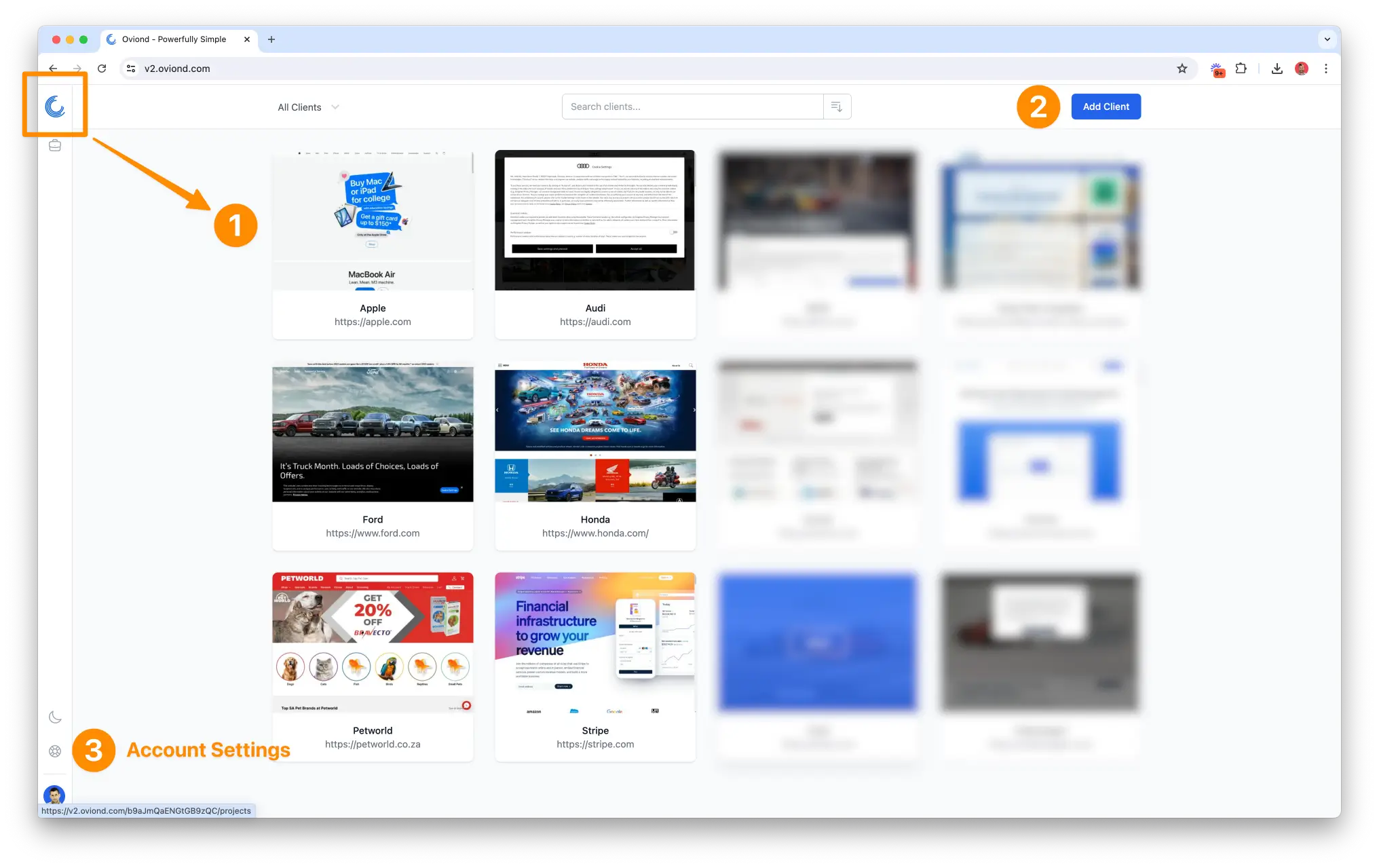
You can quickly return to the home page from anywhere in your account by clicking the logo icon at the top left.
